
Name-Based Case Searches
Every name search begins with the right court. The Clerk's Common Pleas and Domestic Relations terminals let the public search by party name. Central District and Niles CaseLook offer Name or Company controls instead. A name alone can pull up more than one person. Always check the result against the Trumbull County court. Check the case details on file too, before treating it as the correct record. Court choice matters here, because lower-court and division records stay separate on purpose.
- Select the Trumbull County court with the case, using the court jurisdiction information when city or township is uncertain.
- Open that court's public search, Record Search, CaseLook, eAccess, or Clerk terminal channel.
- Enter the published party-name or Name or Company value and any supported date or case-type filter.
- Compare the returned court, case number, case type, and activity with the Trumbull County matter being located.
- Contact the court clerk if the Trumbull County result is delayed, incomplete, or needs direct confirmation.
These are the public search controls for Trumbull County courts. Each one names its own source court. They are not a promise that every portal uses the same form. Keep name searches tied to one court. Court selection and clerk confirmation should stay tied to the same Trumbull County case.
| Field label | Type | Required | Trumbull County source note |
|---|---|---|---|
| Party name | Text | One Clerk terminal choice | The Clerk publishes party-name searching for Common Pleas and Domestic terminals. |
| Name / Company | Text | No | Central District publishes this control, up to 30 characters. |
| Hearing Date or File Date | Date selectors | No | Central District CaseLook publishes these optional date fields. |
| Case type | Checkboxes | No | Central District lists TR, CR, CV, SM, and PR choices. |
| Continue | Agreement button | Yes to proceed | Central and Niles CaseLook use a public terms screen. |
Trumbull County Case Search Courts
A Trumbull County case search is really a court-selection task first. The name-search part comes second. Common Pleas General Division handles adult felonies, serious misdemeanors, and major civil matters. Domestic Relations, Juvenile, Probate, Central District, Eastern District, Warren Municipal, Niles Municipal, Girard Municipal, Newton Falls Municipal, and the mayor's courts are different. Each runs its own court or clerk channel.
The county record-search hub collects links to several Trumbull County court search sites. It helps you pick a channel. It does not combine results across courts. For a Common Pleas record, the Clerk-linked eServices entrance is the right public starting point. That official page shows the search options the Clerk provides.
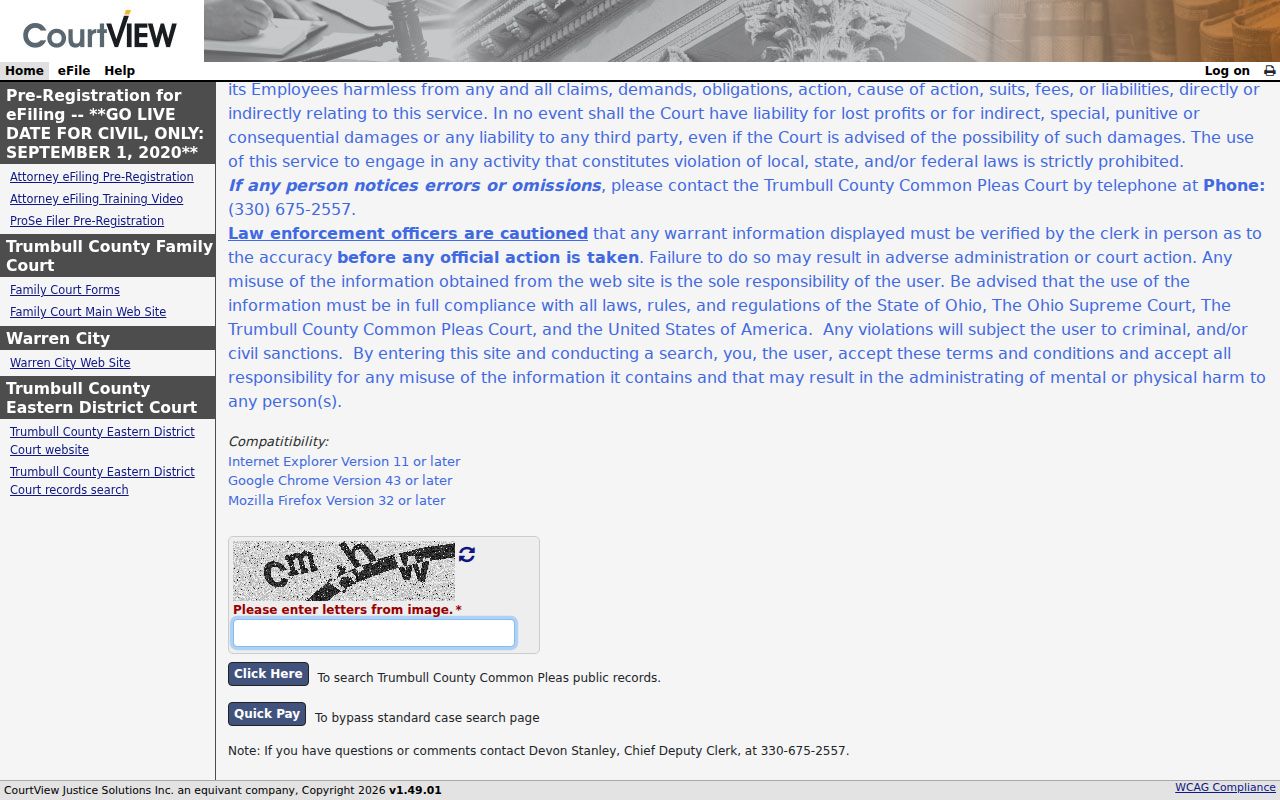
The Trumbull County eServices entrance supports the Clerk's public-access route. Other courts keep separate systems. Common Pleas searches, municipal searches, and county-court searches in Trumbull County are distinct routes, not one combined database.
Case Number Searches
Searching Trumbull County by case number beats searching by name. The Clerk lists case number as its own terminal choice. The same identifier routes direct court or payment activity. Enter the number exactly as issued, paired with the Trumbull County court name. Never assume a lower-court number pattern applies to Common Pleas or division records.
Warren Municipal's public inquiry publishes one local example: 2004 TR 000123. The parts are a year, a case-type code, and a six-digit sequence. Warren's form also offers civil, criminal, home-rule, miscellaneous, parking, and traffic filters. That format belongs to Warren alone. It is not a countywide rule.
No number in hand? Use the court's name-search choice. Then confirm the court, case type, and date range that match. A clerk terminal is the practical fallback when a number stays unclear. The court counter works too. The court, the number, and the case type should all agree first. Only then rely on a Trumbull County result.
Trumbull County Case Search Terminals
The Trumbull County Clerk lists two public-terminal locations for Common Pleas and Domestic Relations information. One sits in the courthouse at 161 High St. N.W. The other is the fifth-floor Passport Office at 160 High St. N.W. Anyone can self-search by party name or case number there without a fee. That makes the terminals their own case-search channel rather than a copy of the browser portal.
The Clerk's Common Pleas page adds one detail. A $5 fee applies when the Clerk performs the name search instead. The electronic result may not show where the case sits. In that case, try the terminal or the clerk counter. Documents, certified records, and older items still take a request. Send it to the court or clerk holding them. Terminal searching, clerk searching, and document requests each meet a different need in Trumbull County.
Case Search Results Explained
Read a Trumbull County docket-search result as a court-specific index. The local published descriptions cover a case number, the party or case style, and the court. They also cover the cause of action or case type, the disposition, journal entries, and record-book location for historic material. Whatever timing information is supplied appears too. That is already a lot. The result does not promise everything, though. Not every filing image, exhibit, or certified order from Trumbull County is online.
| Case number | The court-assigned identifier used in Trumbull County terminal and lower-court workflows. |
|---|---|
| Case style or parties | The identifying arrangement of a Trumbull County matter; the archive indexes historic civil cases by plaintiff and defendant. |
| Court and division | Shows which Trumbull County custodian has the case file. |
| Case type or cause | Identifies the matter category where the court or archive publishes the field. |
| Journal entry or disposition | Records formal activity or outcome without assuming a particular value. |
| Update timing | Central and Niles warn that electronic Trumbull County displays can lag filings or judicial action. |
Want the record copy behind a Trumbull County docket entry? Ask the court or clerk that keeps that division's file. The screen is an access aid, not a certified record. Case styles and journal entries are distinct parts. Record copies are distinct parts too, each playing its own role in a Trumbull County search result.
Trumbull County Case Search Filters
Filters differ from court to court in Trumbull County. Central District CaseLook publishes case-type choices of TR, CR, CV, SM, and PR, plus optional hearing and filing date controls, case and ticket number fields, and a calendar-search option. Warren Municipal Benchmark takes another approach. It offers All, Name, Case Number, Citation Number, Citation Vehicle Tag Number, Date Opened, and Date Closed modes, with court-type and division filters on top.
- TR
- A traffic case-type choice in Central District and Warren's published Trumbull County search interfaces.
- CR
- A criminal case-type or division code in the published lower-court search controls.
- CV
- A civil case-type choice in Central District and Warren's Trumbull County forms.
- CT
- Warren's published code for camera tickets.
- PR
- A CaseLook case-type choice; confirm the court's own result wording before drawing conclusions.
Filters narrow a single Trumbull County court's own results. They cannot turn a local form into a statewide database, and they do not add content the form never published.
Two Ways to Search: County and State
A Trumbull County docket search really comes down to two options: a public channel run by the county courts, and Ohio Courts Network. Here is the catch. Ohio has no public statewide case-search portal, and OCN is not one either. It is a secure justice-partner network. A user name and password guard it, so it cannot serve as a public fallback for Trumbull County. That leaves the practical route. Pick the county court that holds the case, then use that court's own records channel.
| Search layer | Access status | Trumbull County use |
|---|---|---|
| Clerk eServices or public terminal | Public route for Clerk-held Common Pleas work | Use party name or case number as published by the Clerk. |
| Central, Eastern, municipal court searches | Public court-level routes with their own notices | Use the specific Trumbull County court with territorial jurisdiction. |
| Ohio Courts Network | Credentialed secure system | Not a public Trumbull County case-search portal. |
The Ohio Courts Network login confirms the credentialed access layer described in the research.
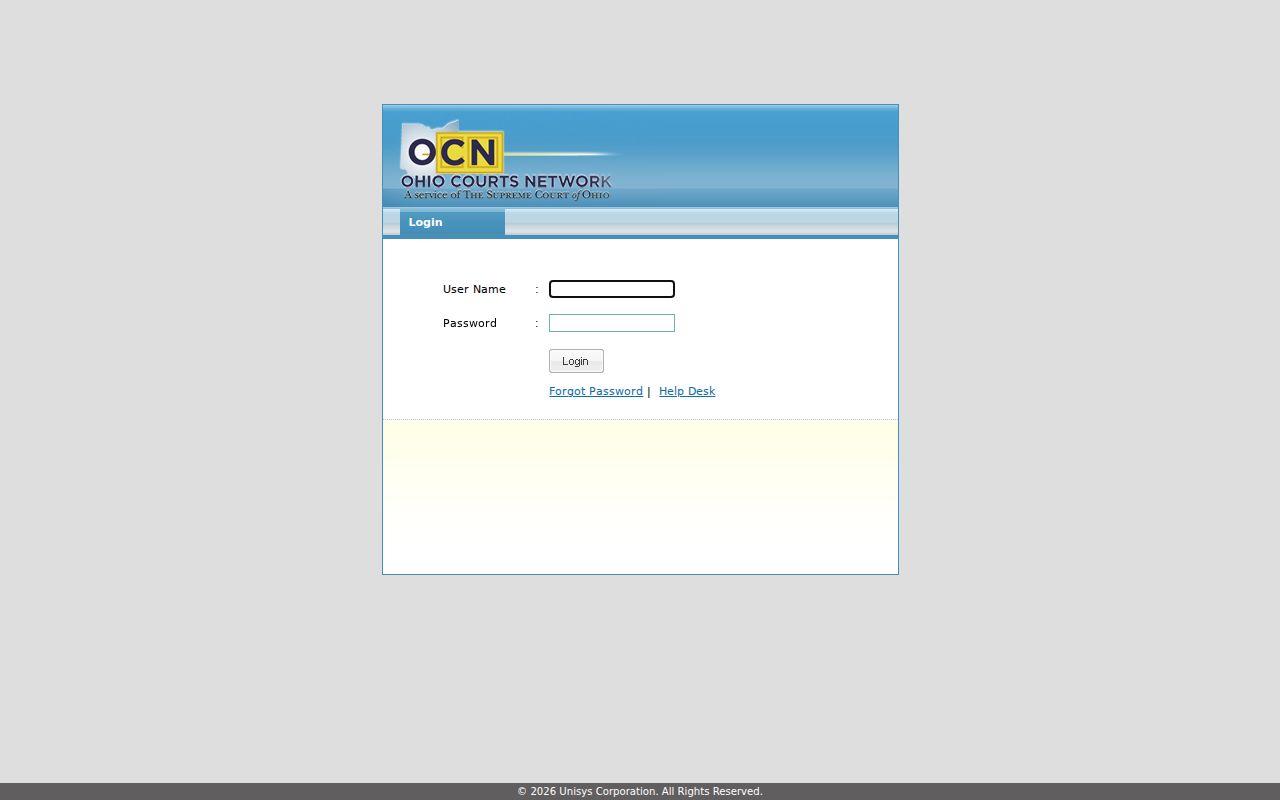
Since OCN stays closed to the public, the open path is simple. Choose the right Trumbull County court and use the search tools that court publishes.
Trumbull County Case Search Limits
Do not expect search fields the court has never made public. The Clerk eServices screen shows party name and case number. Its other fields are an interface detail rather than proof of what else exists. Central, Niles, and Warren each have their own search controls. Those belong to their named Trumbull County courts. Copying them into Common Pleas instructions would mislead.
Delay is the other limit on a Trumbull County case search. Central District and Niles both warn that online display can lag or change. Niles puts that lag at 24 hours minimum. Check your court selection, spelling, case number, and date range first. For a verified answer, go to the clerk or court that keeps the Trumbull County case.
Search limit: A result from one Trumbull County court does not search every other court. A no-result search may reflect court selection, electronic delay, historic storage, or a lawful restriction.
Trumbull County Case Search CaseLook
CaseLook is the named Trumbull County case-search channel for both Central District and Niles CaseLook. Each puts an agreement screen in front of the public form. You press Continue to proceed or Cancel to leave. Central also requires a reCAPTCHA before its form will submit. The Niles form works without that step. Those interface details belong to those two courts alone. They are not part of the Clerk's Common Pleas search.
Both CaseLook sources also ask searchers to verify results with the court. That is the sensible habit anyway. Accept the court's published terms. Use the fields that court provides, and call the clerk when a result needs confirmation. The notice is part of the process, not a sign that the data is final.
Trumbull County Case Search Delays
A missing result usually reflects posting delay, not an absent case. Central District states its displayed system can run at least 24 hours behind. Niles posts a similar warning. So say you picked the correct Trumbull County court. A fresh filing or hearing setting is still missing from the docket. Slow down. Recheck the case number, the name spelling, and the date range before jumping to another portal.
Then turn to the Trumbull County court clerk, a public terminal, the counter, or a direct record request. What you see online is an electronic access view. The court's own record remains the verification source. Following that order also keeps you from reading a no-result as proof that a record is restricted or nonexistent.
Which Cases Stay Restricted
Not everything shows up in a Trumbull County docket search. Some cases or documents are restricted, sealed, expunged, or shielded from remote view. Juvenile records carry separate statutory protections. Adult sealing and expungement runs through R.C. 2953.32. The juvenile process follows R.C. 2151.356. Protected personal identifiers and court-ordered confidential material can also be absent.
The Ohio Rules of Superintendence frame court-record access. They cover direct access and limits on remote attachments. Before assuming a record is sealed, check your court selection. Ask whether the docket is simply behind. A restricted record cannot be obtained through a general request anyway.
Trumbull County Case Search Portals
Trumbull County Probate keeps its own public-search and e-filing entrance. It stands apart from the Common Pleas records held by the Clerk. The Probate eServices entry is that division's court-specific route. The official page it opens confirms the division it serves. The rule generalizes. Identify the Trumbull County court first, then use the search channel that court maintains.
Do not confuse Probate's Trumbull County portal with a combined Common Pleas or municipal case search. It is one division's tool.
Federal cases sit in a separate court system entirely. PACER's official access information explains fees for federal case and document access, which is separate from any Trumbull County court-search channel.
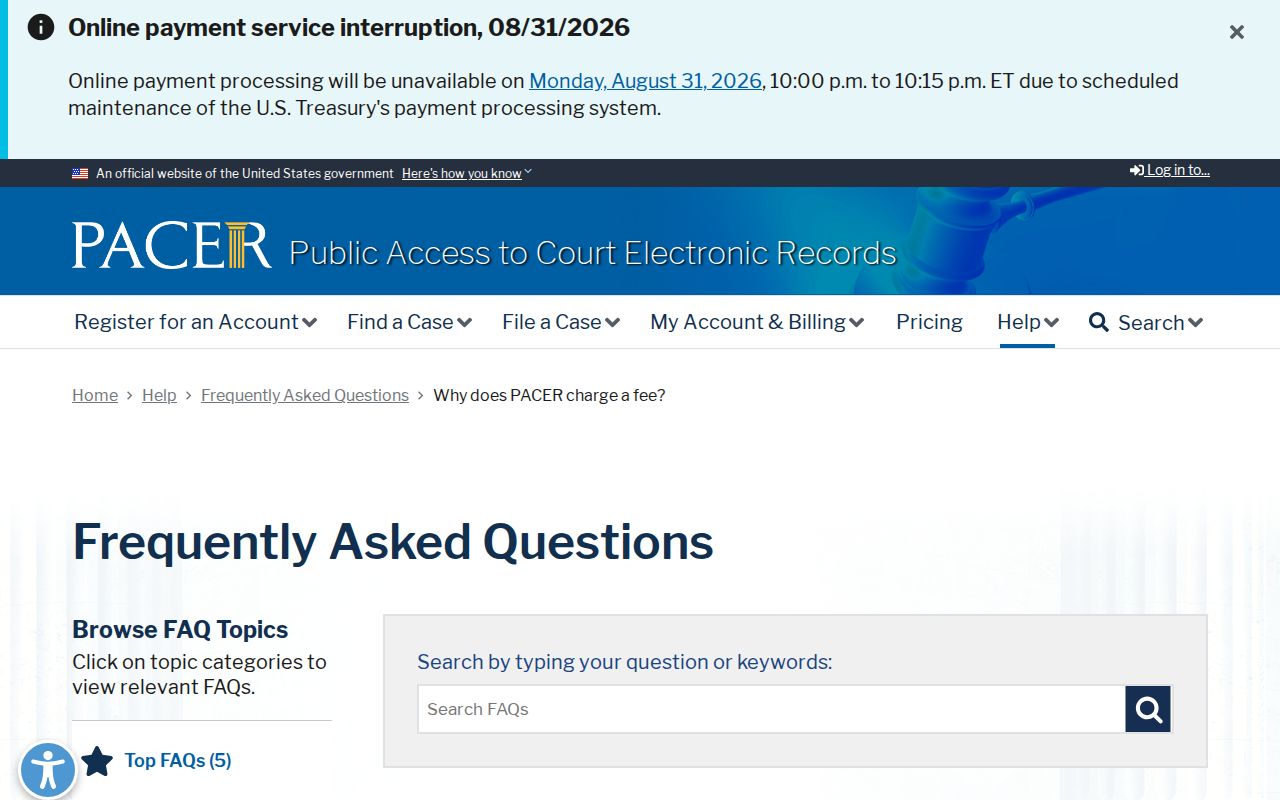
That federal layer never replaces a Trumbull County docket search in the county courts. The U.S. Bankruptcy Court for the Northern District of Ohio is another federal court with its own access system. County cases simply do not live there.
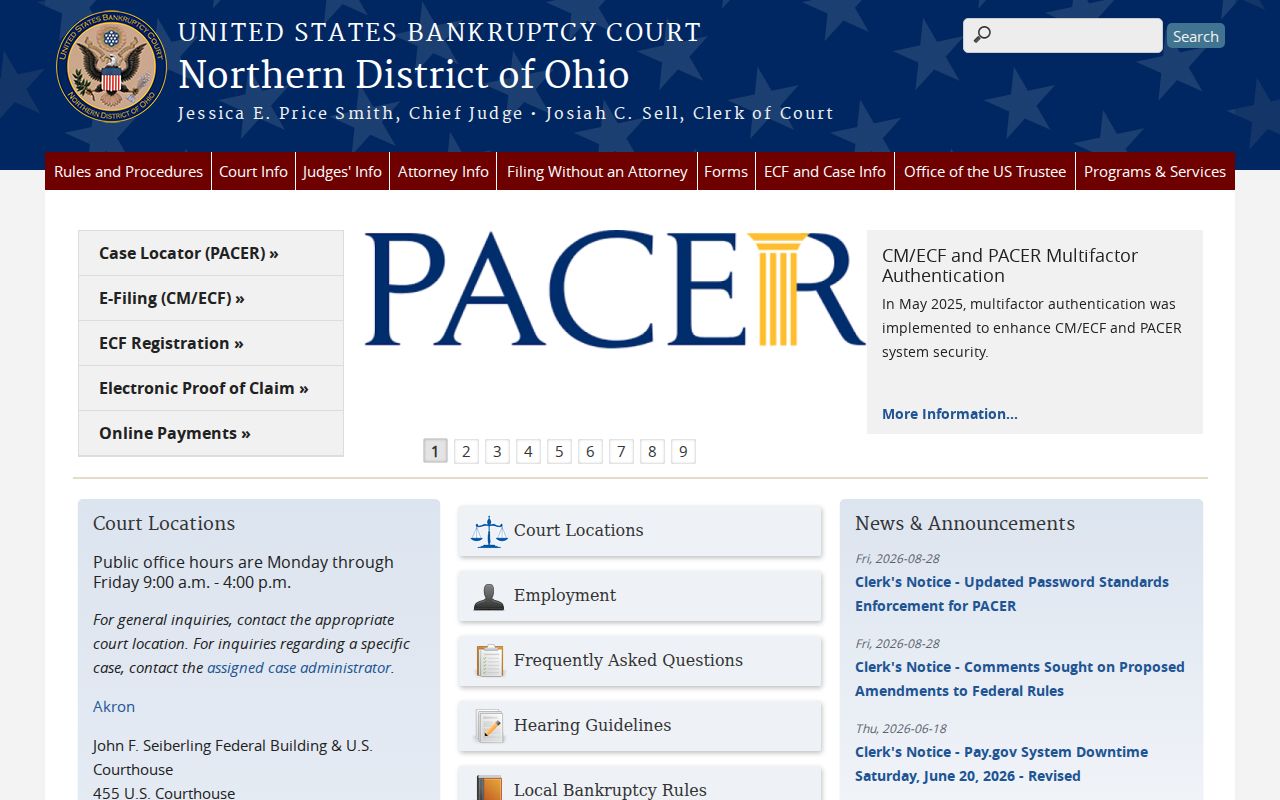
For a county case, return to the Trumbull County court record channel. A federal court entry will not carry it.
Trumbull County Case Search Archives
A current Trumbull County docket search can miss an older file. Historic storage follows a different path than the modern portal. The County Records Center inventory lists civil, criminal, domestic, and appellate indexes. Appearance dockets, journals, and record books are covered. Microfilm and case files complete the list by historic coverage. Its appearance-docket indexes can yield a party, case number, cause of action, disposition, journal entry, or record-book location for focused archival work.
Work in order. Try the current Trumbull County court search first, then the Clerk terminal or counter. Move to the archive route only if the year and court point to historical holdings. The Records Center helps locate historic Trumbull County material. It is not a live case-search portal. Nor is it a substitute for the court that keeps current records.